

The immediate problem
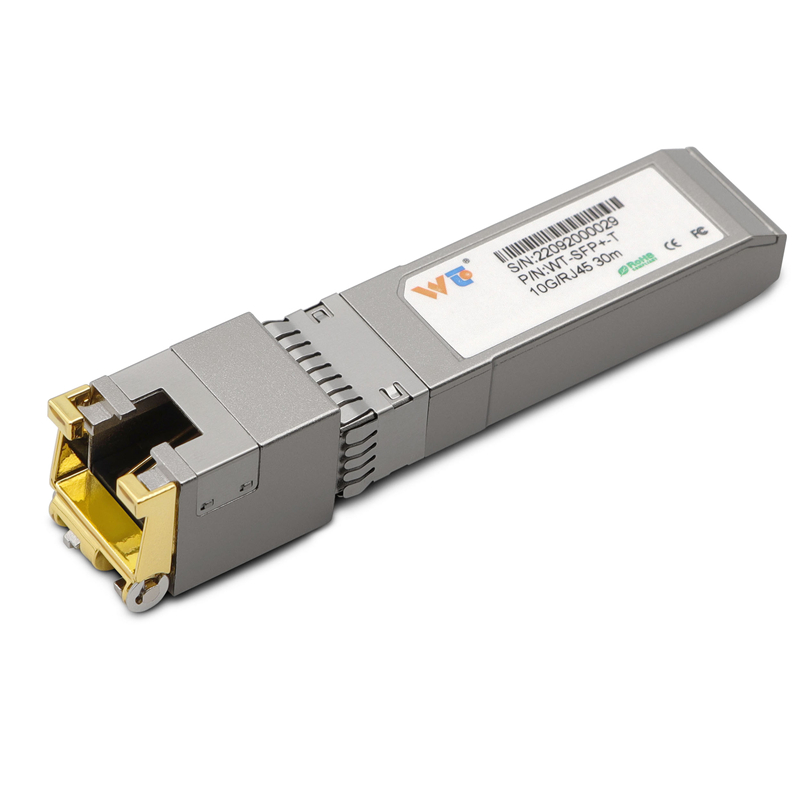
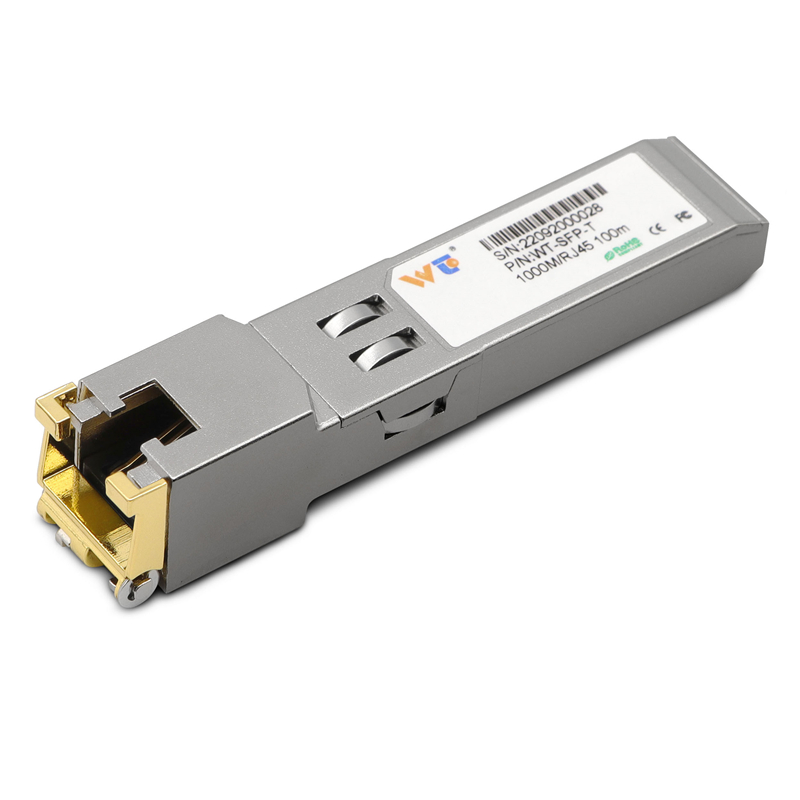
Many edge computing nodes choke when small clusters or micro data centres are still tied to 1G uplinks; the compute keeps pace but the network doesn’t. At local sites — urban telco huts or enterprise branch rooms — replacing or augmenting fibre ports with a practical copper solution often gives the necessary breathing room. Engineers commonly reach for an sfp to rj45 transceiver or a dedicated sfp to rj45 10gb module to add 10G copper links without reworking existing cabling. The logic is simple: keep the server and switch stack, change the physical interface, reduce contention at the egress.
Why 1G uplinks become the bottleneck
Edge workloads like video analytics, local AI inference and real-time telemetry are bursty; they demand higher throughput and lower latency at irregular intervals. When uplinks are saturated, packets queue, retransmits rise and application latency spikes. Metrics to watch are throughput (Gbps), latency (ms) and error rates such as BER. Left unaddressed, these constraints force application architects to compromise on model accuracy or reduce sampling rates — neither desirable.
How a 10G SFP+ copper approach fits in
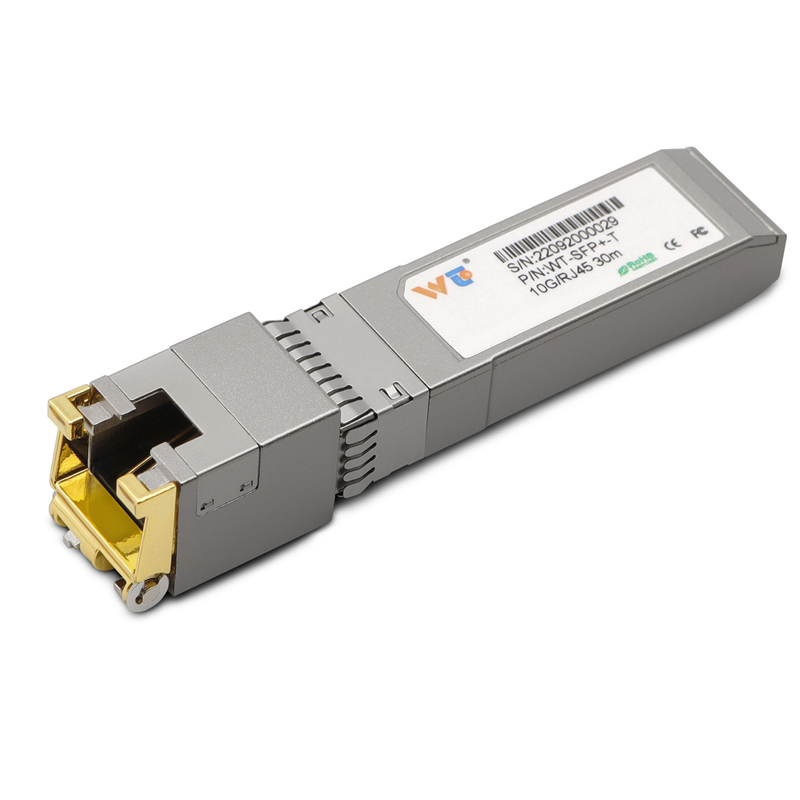
Using a 10G SFP+ copper transceiver converts an available SFP+ port into a reliable RJ45 10G uplink without replacing the switch or the short-run Cat6/Cat6a copper. This keeps capital spend lower and deployment time short. In practice you’ll see improved line-rate throughput and reduced queuing on uplink interfaces, directly lowering tail latency for edge services. Keep in mind link negotiation and compatibility with the host switch’s SFP+ cage — not all platforms accept every third‑party copper transceiver.
Practical deployment steps and common mistakes
Start with a site survey: check cable category, run length and environmental noise. Validate that the switch supports SFP+ copper modules and confirm the switch firmware allows third‑party optics. A frequent error is assuming all Cat5e runs will hold 10G — they rarely do beyond short distances. Also avoid blind upgrades without traffic shaping; boosting link capacity without quality‑of‑service rules can shift congestion rather than solving it. Test for link stability and perform a simple throughput sweep before full cutover — it’s the quickest way to catch compatibility issues.
Alternatives and simple comparisons
Three mainstream choices appear in most architectures: SFP+ copper transceivers, direct attach copper (DAC) cables and media converters. DACs are cheap and low‑latency but limited to very short racks. Media converters translate fibre to copper but add points of failure and management overhead. SFP+ copper transceivers strike a balance — plug into existing SFP+ slots, preserve switch stacking and work with existing copper runs. Choose based on distance, budget and manageability.
Real-world anchor and short case
At Mobile World Congress 2023, multiple operators showcased edge deployments that emphasised short‑haul copper links for last‑mile aggregation; that industry’s demos reflected what I’ve seen in Dhaka branch rollouts where replacing 1G uplinks with 10G SFP+ copper modules cut data egress queues substantially. The result was measurable: fewer retransmits and a clear reduction in peak latency — a small but high‑impact hardware swap.
Three golden rules for choosing the right upgrade
1) Prioritise compatibility and testing: confirm SFP+ cage, firmware acceptance and run a throughput/BER test across expected temperatures. 2) Measure before and after: baseline latency and packet loss so you can confirm improvements. 3) Factor manageability and support: choose modules with clear warranty and vendor documentation — spare stock matters when branches are remote.
For sourcing reliable modules and consistent technical support, consider vendors who publish compatibility lists and offer verified parts; that’s the practical value WINTOP brings to network refreshes. Trust measured results, not buzz. WINTOP.